
Agentic support for your hardest technical tickets
Pebble resolves the 30% of tickets that are too complex for Fin: the ones that need real investigation, not a knowledge-base answer.
Pebble digs through your logs, database, and code, then posts the root cause as an internal note in Intercom before your team even opens the ticket. It even drafts the customer reply, ready to review and send.
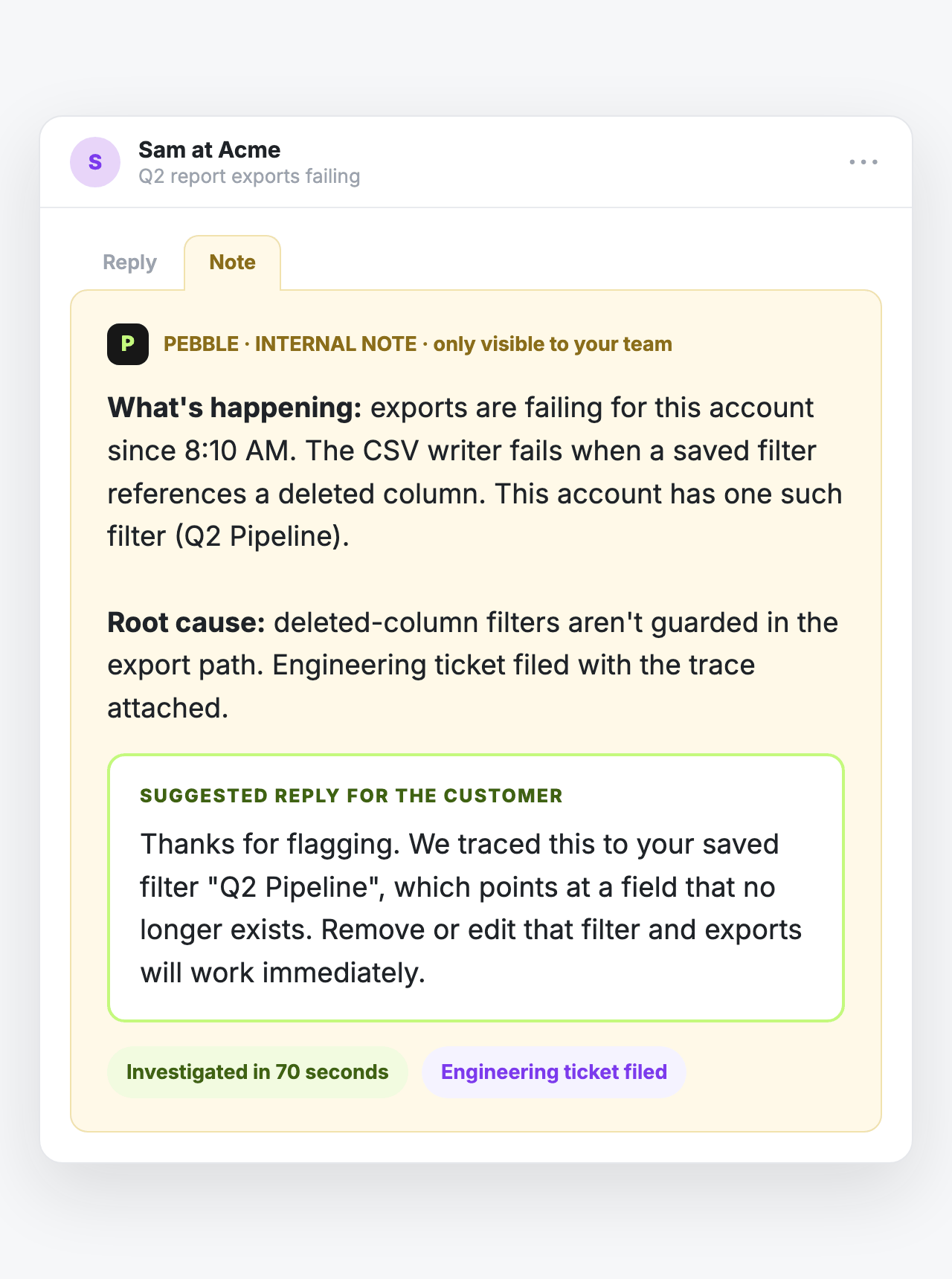
It works the ticket like your best support engineer
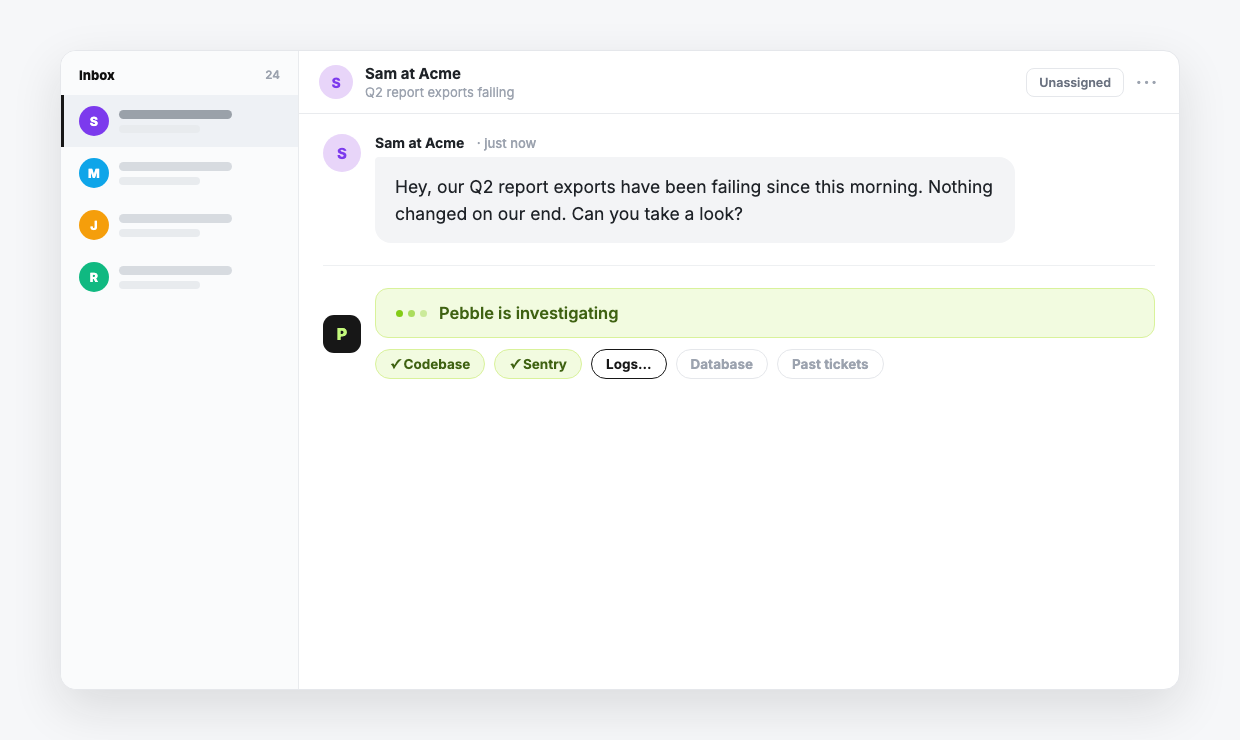
When Pebble picks up a conversation it reads the thread, then investigates the systems where the answers live: your codebase, Sentry, Datadog, GCP and AWS logs, a read-only database connection, past tickets, docs, and Slack history.
How it works in three steps
Step 1. Ticket comes in from your customer. Pebble gets to work, investigating across your systems.
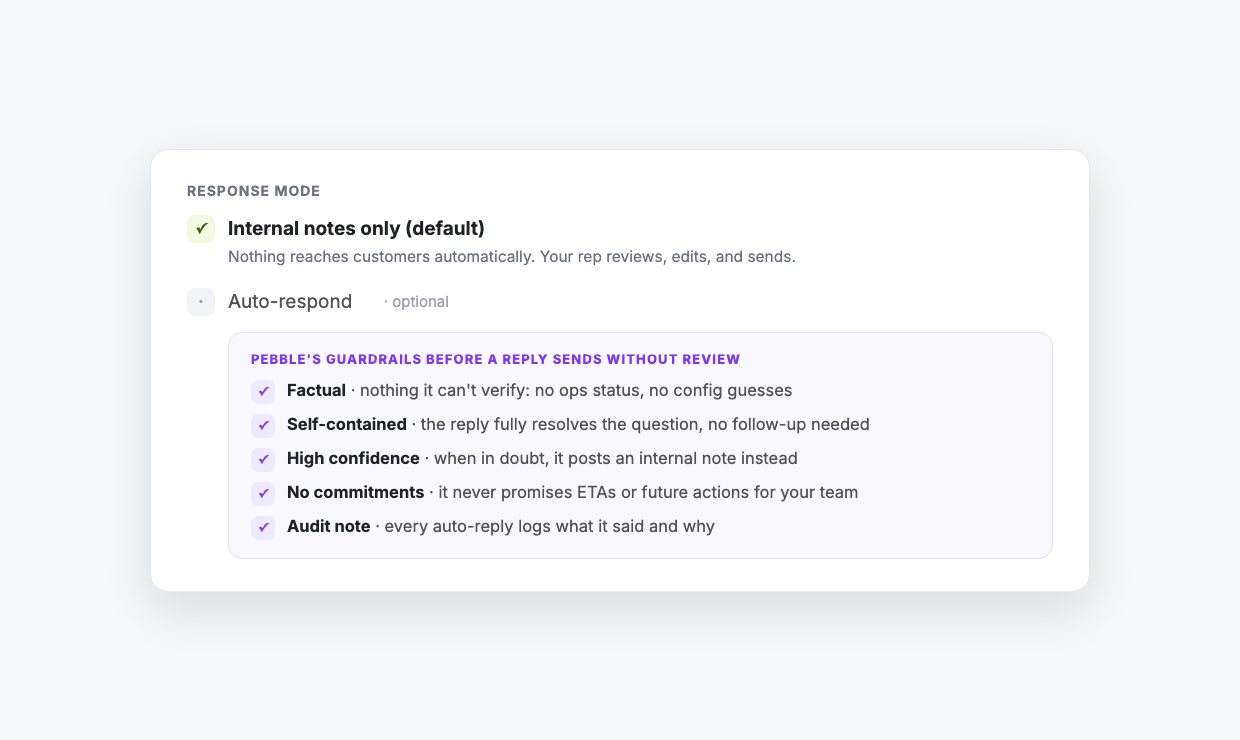
Human-approved by default: nothing goes to a customer until your rep sends it
Pebble writes internal notes, tags, and engineering tickets. It only sends customer-facing replies if you explicitly turn on auto-respond, and even then every reply has to clear Pebble's own quality bar first.
When Pebble can't resolve something, it says so: an internal note with what it found and what it needs, or a filed ticket. It does not guess to a customer.
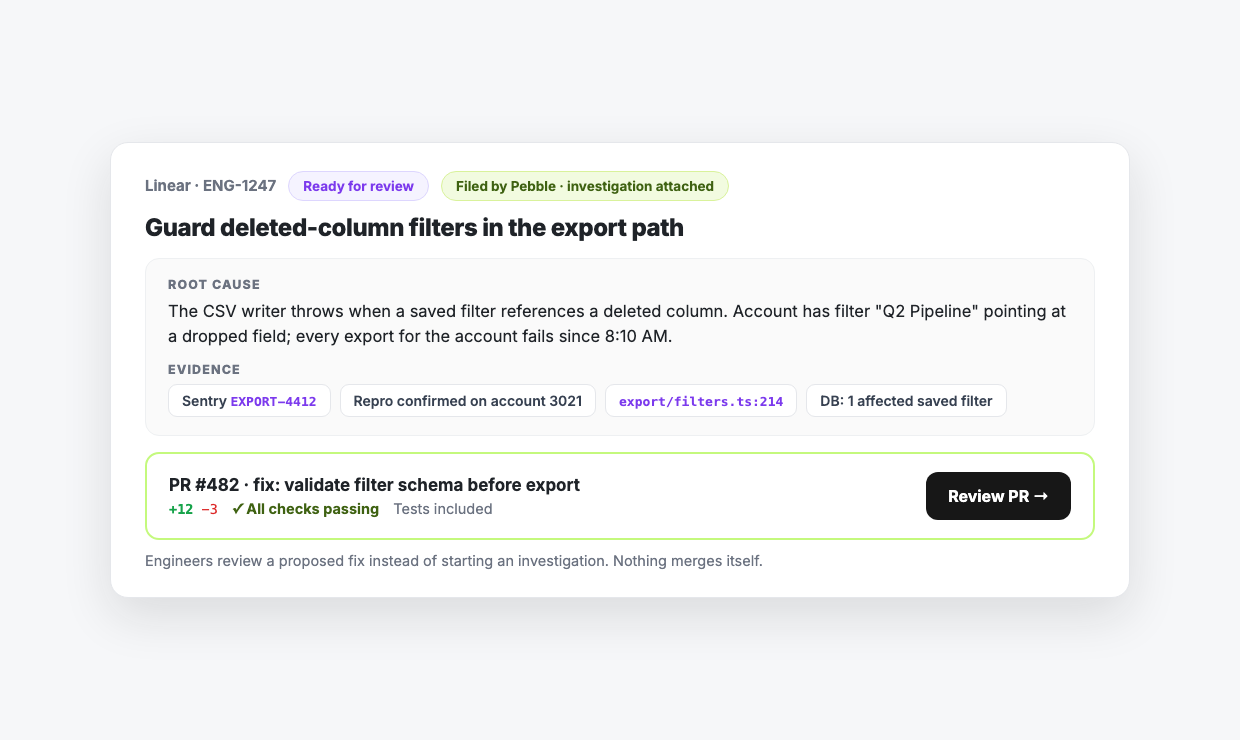
When it's really a bug, engineering gets the ticket with the investigation attached
Pebble files the Linear or Jira ticket, investigation attached, and opens a GitHub PR ready to review. Engineering starts from a proposed fix, not a one-line escalation.
How is Pebble different from Fin?
Fin answers questions. Pebble investigates problems.
Fin resolves the questions your knowledge base already answers. Pebble works the problems it can't: investigating your code, logs, and database, and posting what it finds for your rep to approve. Run both, and an Intercom rule splits the queue with a tag. Run Pebble alone, and it works exactly the same way: tag in, no Fin required.
You decide which conversations Pebble touches
Pebble does not barge into every conversation:
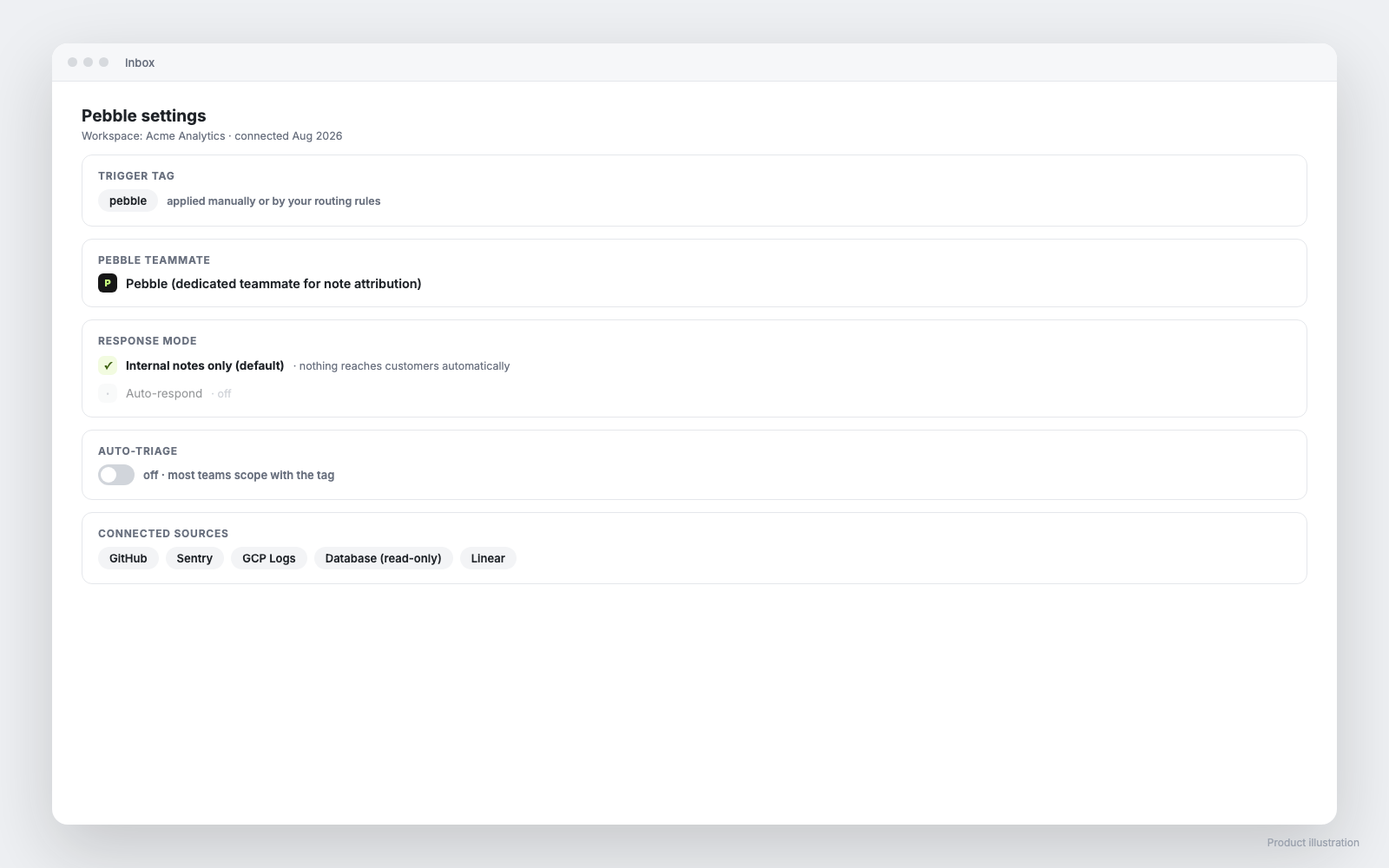
Setup: install, connect your sources, tag a conversation
- Install from the Intercom App Store and approve access
- Optionally add the sidebar app, pick your trigger tag, and create a dedicated “Pebble” teammate for clean note attribution
- Connect your investigation sources: GitHub, your error logging tool, your application logging tool, a read-only database, your issue tracker, and more. Native integrations for common tools, MCP for every other source.
- Tag your first conversation
Common questions
Have more specific questions or want to see how it works?
Let's chat.